Why Voting Rights Matter
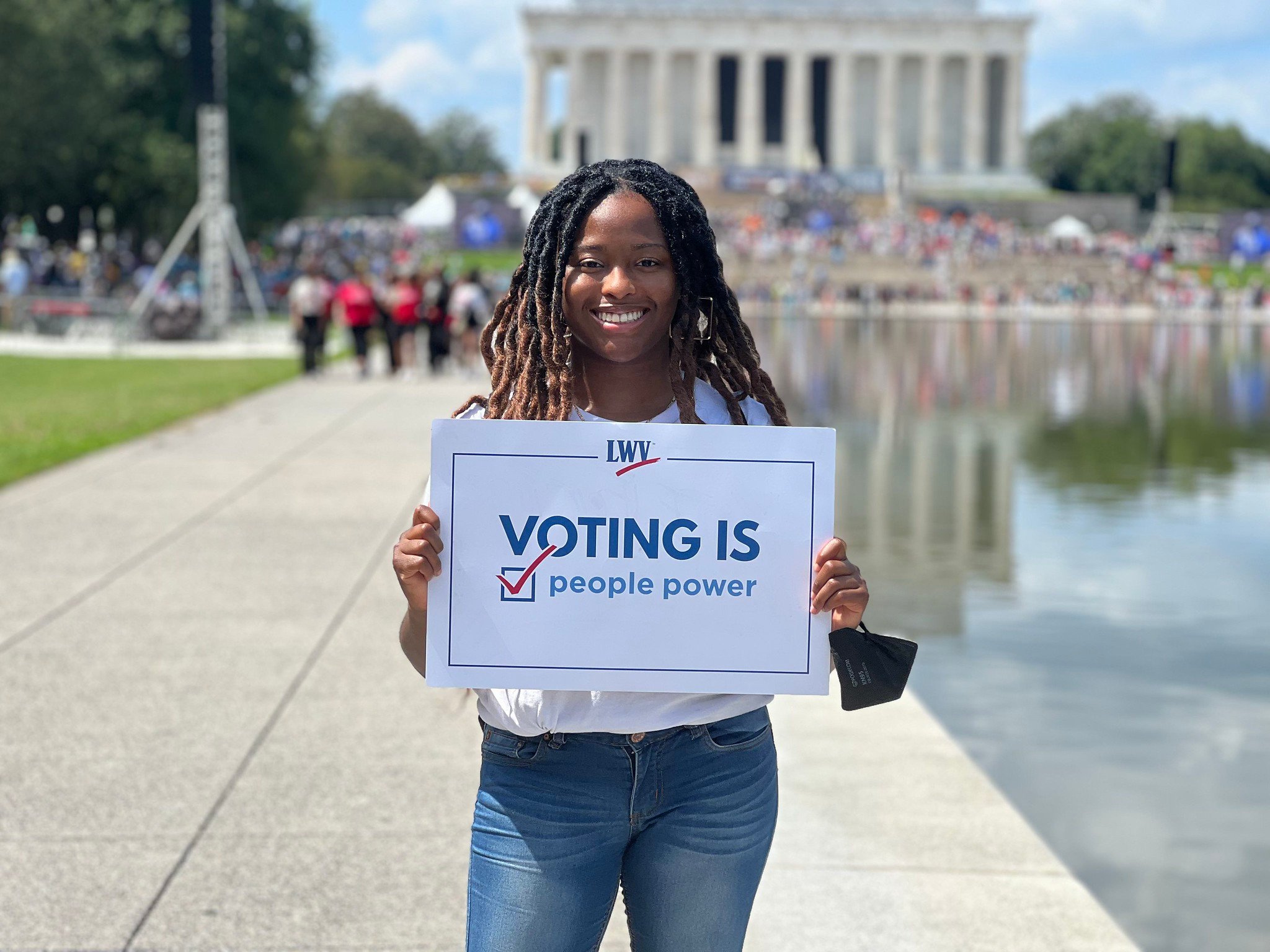
The right to vote is one of the most basic promises of our democracy. In a democratic government, every person is considered equal and is empowered to both participate in their government and speak on the issues that impact their daily lives. Through our votes, we’re able to express our values around concerns like health care, climate change, criminal justice, taxes, and so much more.
And yet our voting rights are under attack. Bills that make voting harder for women and Black and brown Americans, wealthy special interest groups that influence elections, and district maps that don’t reflect our communities – these obstacles threaten our democracy. That’s where the League’s work comes in.
The right of citizens of the United States to vote shall not be denied or abridged by the United States or by any State on account of sex. Congress shall have power to enforce this article by appropriate legislation.
What We're Doing
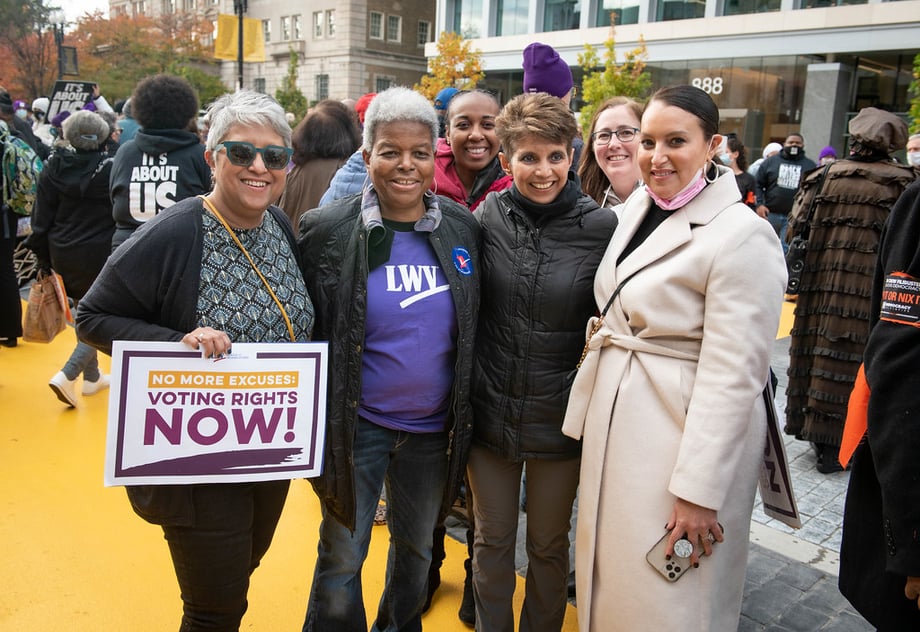
For more than 100 years, the League has fought to protect the rights of voters and expand access for those who’ve been left out of our democratic process. We do so through a combination of advocacy, litigation, education, partnerships, and grassroots efforts.
VOTE411
Our free, digital election resource provides state-by-state voter guides, registration information, candidate positions on issues, and more in both English and Spanish. In 2024, over 9 million people used VOTE411 to find information on over 29k races.
Voter Registration
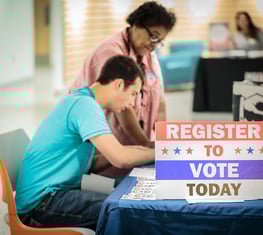
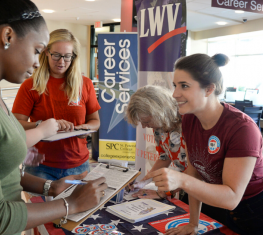
Hundreds of Leagues across the country work within their communities to register voters, particularly those who’ve been historically disempowered in our democracy. At a national level, we’ve partnered with nonprofits like the American Library Association and companies like Target and Nando’s to raise awareness around voting rules and resources.
Litigation
We’re at the forefront of some of our nation’s most consequential voting rights legal cases. In the courts, we work to secure and protect the right to early and mail-in voting, fight for fair representation in district maps, and push back against discriminatory laws and practices. In 2024, we protected over 9.3 million voters through litigation alone.
Advocacy
LWV supports grassroots efforts to empower voters across the country. From expanding voter education to passing pro-voter laws, we raise our voices and use our influence to strengthen the freedom to vote and build a fairer democracy.
In 2024, we protected
9.38 million+ voters
through litigation
In 2020,
9.91 million+ people
used VOTE411
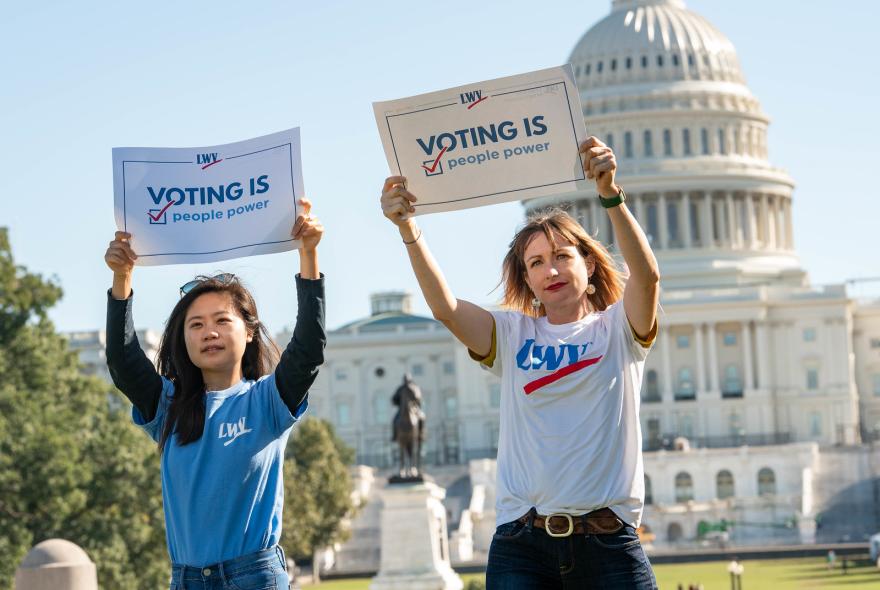
We fight to increase voters’ access to the polls, including expanding early voting and automatic and online voter registration.
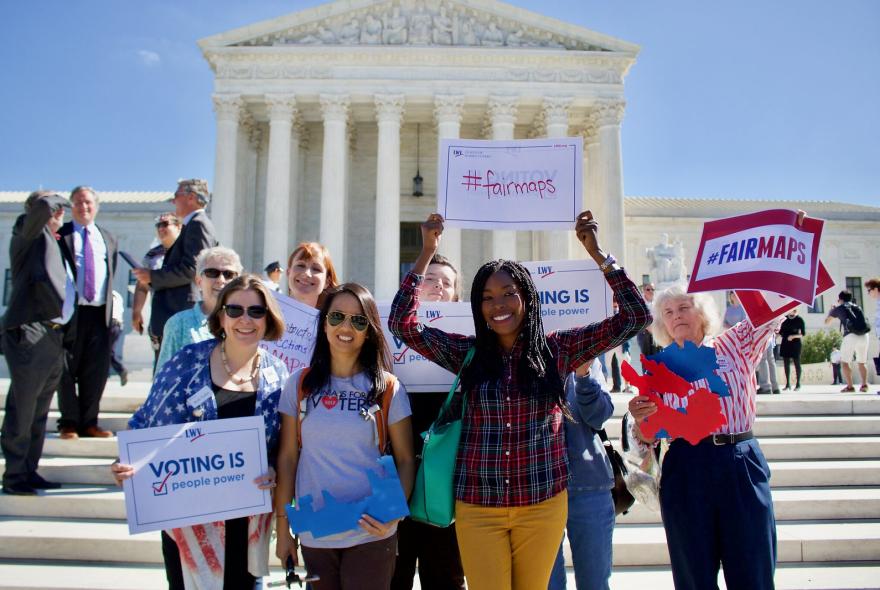
Redistricting, or community districting, is the process of creating representational district maps for states and local communities. By determining which neighborhoods are included in each mapped boundary, redistricting impacts how our communities are represented in the US and local government and determines how resources are distributed.

We work to ensure that our government serves the people, not wealthy special interests, by promoting transparency, limiting SuperPACs, and eliminating dark money.

We protect every American’s right to vote, challenging those who seek to restrict Black, brown, female, disabled, and other Americans from making their voices heard in our democracy.
Support the fight for everyone's freedom to vote.
Take Action
Defending Democracy Checklist
- Demand that your representatives take action on voting rights legislation!
- Stay up to date on the latest voting rights news by joining our email list or our digital outreach platform
- Visit VOTE411 to learn about elections happening near you
Join your local League
to learn about voting rights and concerns in your community and enact change at the local, state, and federal level.
In every election — federal or local, competitive or (seemingly) clear-cut, invigorating or exhausting — Leagues empower voters and defend democracy.
The 2024 election was no exception.
A coalition of voting rights organizations filed a lawsuit in the US District Court for the District of Columbia to challenge President Trump’s unlawful executive order on voting.
It's up to us to make sure everyone has the information and ability to cast their vote!
Here are five ways you can empower voters and defend democracy through volunteer work.